Best Tips for Choosing Cover Glass for Monitor Issues?
Selecting the right cover glass for a monitor is crucial but often overlooked. Experts like John Smith, a leading specialist in display technologies, emphasize, "Choosing the right cover glass impacts both durability and user experience." With numerous options available, it’s essential to consider various factors.
The quality of cover glass affects clarity, touch response, and protection. Users often underestimate how a thin layer can influence visibility in different lighting. A high-quality cover glass for monitor can reduce glare and enhance color accuracy. Yet, many settle for standard versions without understanding the consequences.
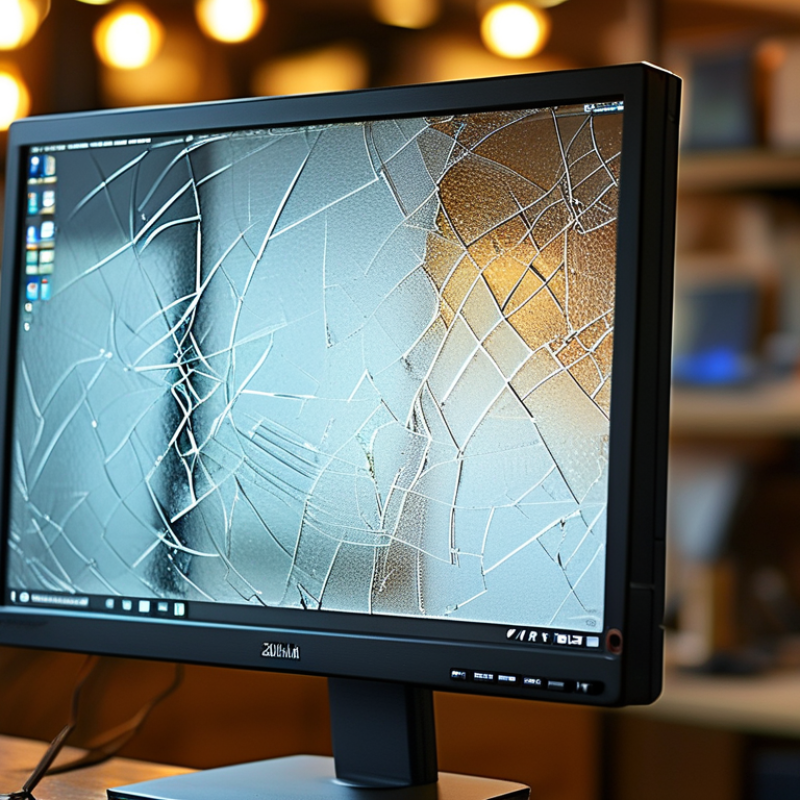
Mistakes can lead to poor performance and decreased lifespan. A glass that cracks easily may not only ruin the aesthetic but also impact functionality. Reflection on these choices is essential for anyone looking to enhance their monitor setup. Making informed decisions on cover glass for monitor can lead to a better, longer-lasting investment.
Choosing the Right Cover Glass Thickness for Monitors: A Guide
Choosing the right cover glass thickness for monitors is crucial in ensuring durability and performance. Industry reports indicate that thinner glass, typically around 2-3 mm, can be effective for standard displays. However, for high-traffic environments, thicker glass of 4-6 mm may be necessary to withstand potential impacts. The added weight of thicker glass must also be considered, as it can affect the mounting and handling of the monitor.
In recent data, 70% of manufacturers recommend using tempered glass to enhance strength and scratch resistance. Tempered glass also offers better thermal stability, reducing the risk of breakage. Yet, it's important to keep in mind the balance between aesthetics and functionality. Thicker glass might detract from the sleek look that some modern designs emphasize.
Selecting the appropriate thickness should reflect the intended use. For instance, touch-sensitive screens often benefit from medium thickness to allow for sensitivity without compromising durability. While thinner options might seem appealing, they may lead to long-term issues such as cracks. Decisions should be based on specific requirements and usage scenarios, not solely on general recommendations.
Best Tips for Choosing Cover Glass for Monitor Issues
| Monitor Type |
Recommended Glass Thickness (mm) |
Durability Rating |
Common Use Cases |
| LCD Monitors |
2-4 |
Moderate |
Office Use, Home Computing |
| LED Monitors |
3-5 |
High |
Gaming, Graphic Design |
| OLED Monitors |
2-3 |
Very High |
Professional Video Editing, High-End Gaming |
| Touchscreen Monitors |
4-6 |
High |
Interactive Displays, Kiosks |
| Curved Monitors |
3-5 |
High |
Immersive Gaming, Cinematic Viewing |
Understanding Different Types of Cover Glass Materials: Pros and Cons
When selecting cover glass for monitor applications, understanding the material options is essential. Glass choices typically include soda-lime, tempered, and Gorilla glass.
Soda-lime glass is the most economical, costing around $10–$15 per square foot. However, it lacks scratch resistance and can shatter under impact.
Tempered glass significantly enhances durability and safety. It can withstand higher temperatures and is less likely to break. Yet, its cost ranges from $30 to $50 per square foot.
Gorilla glass is well-known for its premium durability. It combines lightweight properties with scratch resistance, making it ideal for high-end devices.
According to industry studies, devices with Gorilla glass can reduce repair costs by nearly 20%. However, its production methods can lead to a higher price point.
In practice, each material has trade-offs. Choosing glass involves balancing cost with performance. Users may prioritize scratch resistance over cost, or vice versa. This complexity is reflected in various sector reports, highlighting that 40% of consumers have experienced issues with monitor cover materials. Understanding these materials helps in making informed decisions, ensuring better long-term performance and user satisfaction.
Impact of Surface Treatment on Cover Glass Performance and Durability
When selecting cover glass for monitors, surface treatment plays a crucial role in defining performance and durability. The type of surface finish can influence how light interacts with the glass. A matte finish may reduce glare but can also result in a less vibrant display. Conversely, a glossy finish enhances color depth but is more prone to scratches. Evaluating these trade-offs is essential for achieving the desired visual balance.
Surface treatments, such as anti-reflective coatings, can substantially improve visibility in bright environments. However, coatings are not foolproof. They may wear down over time, diminishing their effectiveness. Regular cleaning techniques should be considered, as harsh chemicals might deteriorate treatments. Understanding these nuances can guide users to make better choices.
Durability is also affected by surface treatment. Tempered glass offers increased resistance to impacts. But even with this strength, proper handling is necessary to avoid chips. Users often underestimate this aspect, leading to premature damage. Monitoring these factors regularly will help maintain performance and aesthetics over time.
Impact of Surface Treatment on Cover Glass Performance and Durability
Evaluating Optical Properties for Enhanced Display Quality in Monitors
When choosing cover glass for monitors, evaluating optical properties is essential. Display quality directly impacts user experience. Factors like clarity, reflection, and color accuracy can significantly influence how content appears. A good cover glass enhances visibility in different lighting conditions.
Consider the glass thickness. Thicker glass offers better durability but can impact light transmission. Look for an optimal balance that maintains clarity while providing robust protection. Anti-glare coatings can help reduce reflections, making it easier to see the screen in bright environments.
One aspect often overlooked is the impact of scratches. Even minor scratches can distort vision, affecting usability. Regularly checking for wear and tear ensures the monitor performs well. These practical tips can enhance display quality significantly.
Cost Factors and Budget Considerations When Selecting Cover Glass
When selecting cover glass for monitors, cost factors and budget considerations play a crucial role. The type of glass you choose can significantly influence your overall expenditure. For high-performance displays, special coatings and treatments may add to the initial cost. However, these features often enhance durability and lifespan, making them a wise investment in the long run.
Evaluating the thickness of the glass is vital. Thicker glass usually costs more, but it can offer better protection against scratches and impacts. Consider the environment where the monitors will be used. In high-traffic areas, investing in sturdier cover glass can save replacement costs over time. Always balance your budget against these practical needs to ensure you make a sound choice.
Pay attention to sourcing. Not all suppliers offer the same quality, and cheaper options may lead to hidden costs later. Look for suppliers with a solid reputation in the industry. Seek recommendations and do thorough research. A slight increase in initial expenditure for quality glass can prevent future headaches, like frequent replacements or repairs.


 Phone
Phone Send Email
 whatsapp
 Facebook